

Start at the boundary and walk towards the door
Planning a home security system in Perth is easier when you follow the route someone would take: through a gate, along a path, past a window and towards a door. Decide where you want to notice activity, where you need a closer view and how you will answer a legitimate visitor.
A camera does not hold a gate shut. An access credential does not explain why someone is walking near a window. An alarm contact can report an opening without supplying a picture. Give each part a specific job.
What changes when you add UniFi CCTV?
A door or window contact detects an opening. An indoor motion sensor detects movement within its covered space. UniFi cameras add visual information from the areas they can see, which may include a path before someone reaches an opening.
The Protect zone controls let you focus detections on relevant parts of that view. They do not form an invisible barrier around the entire property. A closed gate, deep recess or parked vehicle can still block the camera.
Outdoor alarm sensors are another option for approach detection. The OPTEX outdoor detector documentation illustrates that distinction. Compare a basic indoor alarm with cameras fairly, and ask separately about an outdoor alarm design if that is part of your brief.
| Task | Equipment to assess | Point to confirm |
|---|---|---|
| Notice approach activity | A compatible camera or outdoor alarm detector. | Actual coverage of the path before the entry point. |
| Detect an opened door or window | A suitable contact and alarm arrangement. | Which openings are covered and when they are armed. |
| See a visitor | A camera, video doorbell or intercom. | Face view at the normal standing position. |
| Control entry | The lock, gate hardware and access system. | Who can enter and how occupants leave safely. |
Source: www.resideo.com
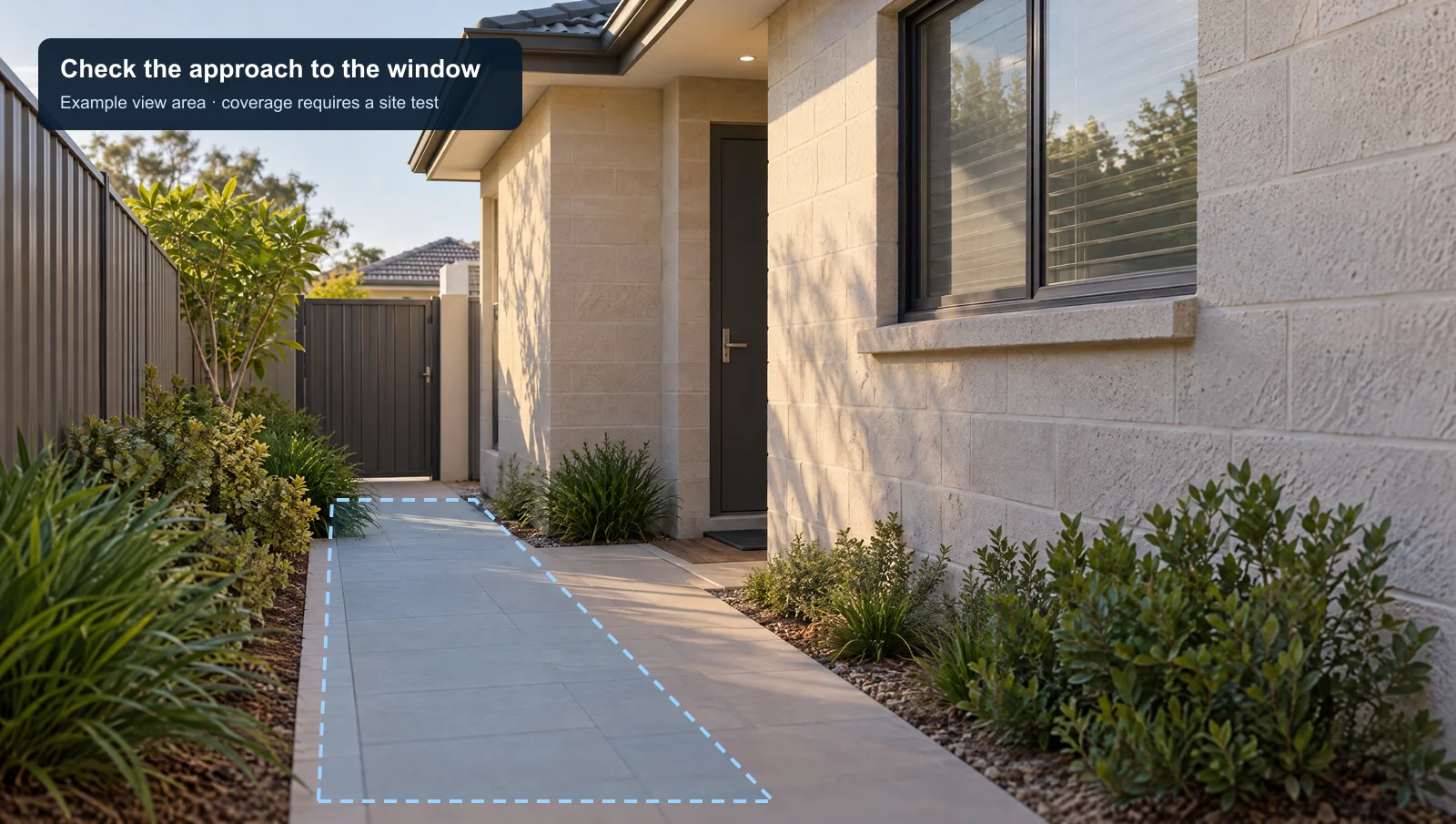
Give side access its own viewing task
A front-door view may miss a side passage. Photograph the passage with the gate open and closed, note any bins or vegetation, and include the window you want to monitor. Ask to see how the proposed view changes after dark.
Test with someone walking normally along the route. Review what can actually be seen when the event occurs. A person alert is not proof of criminal intent, and the presence of a recording does not guarantee that you will see a notification in time to respond.
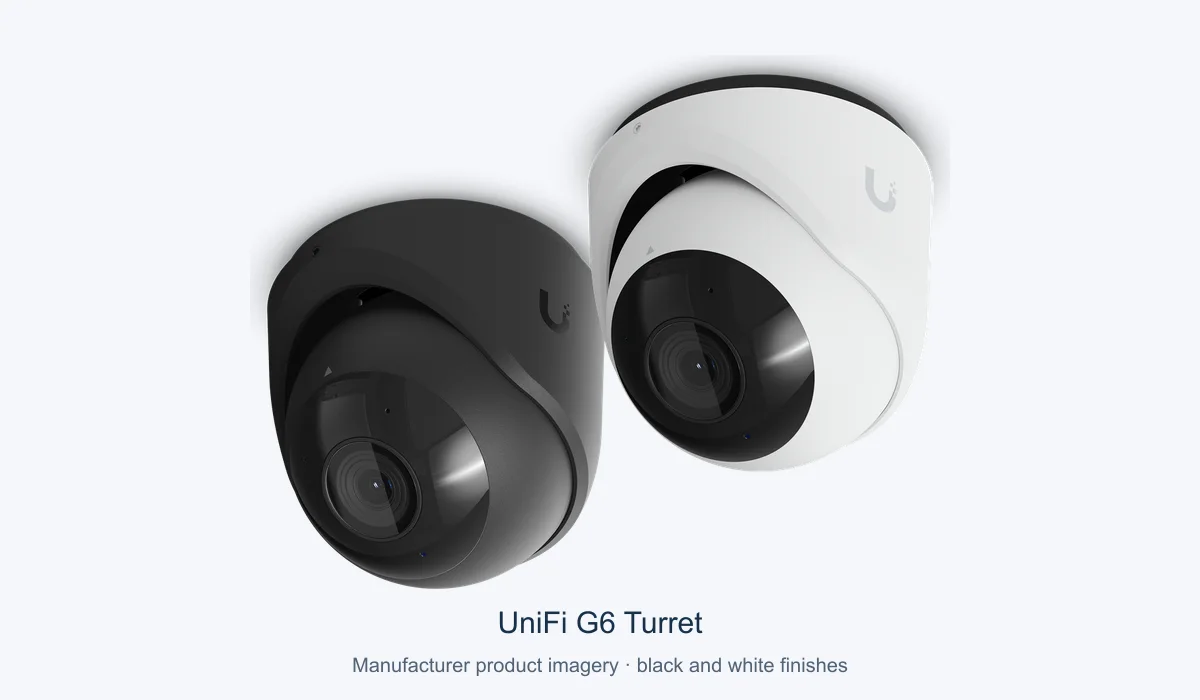
The UniFi G6 Turret is a PoE camera example with people detection. Final model selection needs a view assessment; the product image in this guide is not a proposed mounting position.
Plan normal visitors as carefully as unexpected activity
A courier needs an obvious place to stand. A household member needs a reliable way in. Decide who answers the entry call, what happens if nobody answers and whether an existing bell should remain usable.
Our intercom and visitor-entry overview explains the entry conversation. If a gate is involved, review gate access planning before deciding on a release mechanism. Have the proposed arrangement assessed for the actual door or gate.
Keep camera notifications and door release separate unless a specific integration has been designed and tested. A camera seeing a person is not, by itself, a reason to unlock an entrance.
A useful entry-system handover
Test a visitor arrival, a household arrival and an unexpected approach. Check the entry view, notification recipient and any agreed response. Then test the existing alarm contacts independently. Write down any area that remains outside coverage.
Review neighbouring views before fixing the final camera position. Agree which users may see recordings and how their access can be removed. Keep account and administration instructions with the equipment record.
For a site-specific discussion, bring gate, door and side-passage photographs to our camera integration enquiry. The useful starting point is the route you want covered and the entry task you need to solve.
Useful answers
Can a camera replace a door or window contact?
They detect different things. A contact reports an opening; a camera provides a view of activity. Assess whether you need both.
Should detecting a person automatically open the gate?
Person detection does not establish permission to enter. Any release automation needs its own access decision, compatible hardware and testing.